
Your infrastructure
SQLite, uploads, and config live on your machine — not a vendor multi-tenant cloud.
v2.44 — General Availability
Open-source self-hosted intranet with CRM, ERP-style modules, an open-source document repository, local wiki, local team chat, and security clearance tracking.
Firmgate replaces a patchwork of cloud portals with one stack local teams run on your servers — news, events, documents, workforce, and administration included.
First general availability release — now open source on GitHub.
Replace a patchwork of cloud portals and subscriptions with one system you control end to end.
SQLite, uploads, and config live on your machine — not a vendor multi-tenant cloud.
Intranet, documents, CRM, workforce, and compliance in a single deployable stack.
Suitable for LAN-only, VPN, or regulated environments where data must stay on-network.
Scale users on hardware you already pay for. Apache 2.0 Community Edition.
One open-source platform for local teams: internal portal, document repository, local wiki, CRM pipeline, security clearance, and team chat — enable or hide modules per role from Administration.
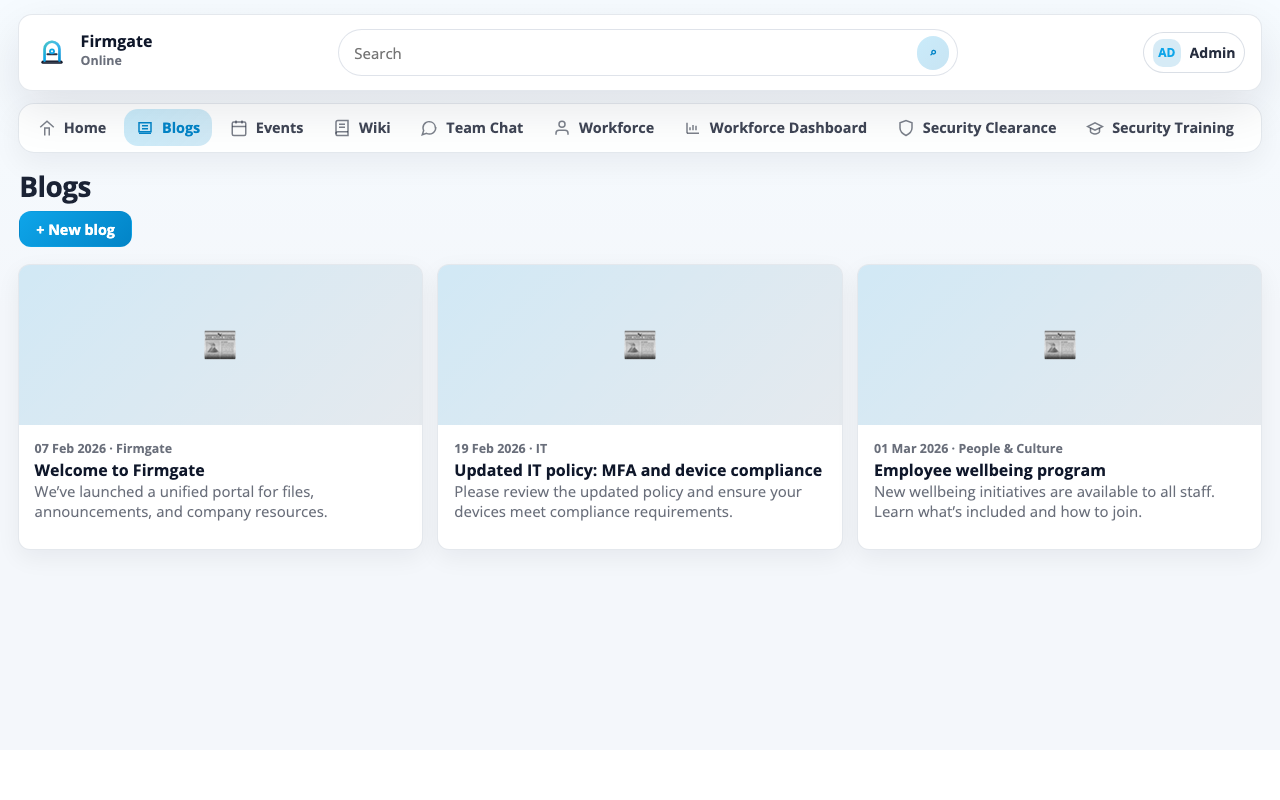
Self-hosted intranet landing page, news, and announcements
Internal posts and updates for local teams
Shared calendar with public holidays
Local wiki and internal knowledge base (sanitised HTML)
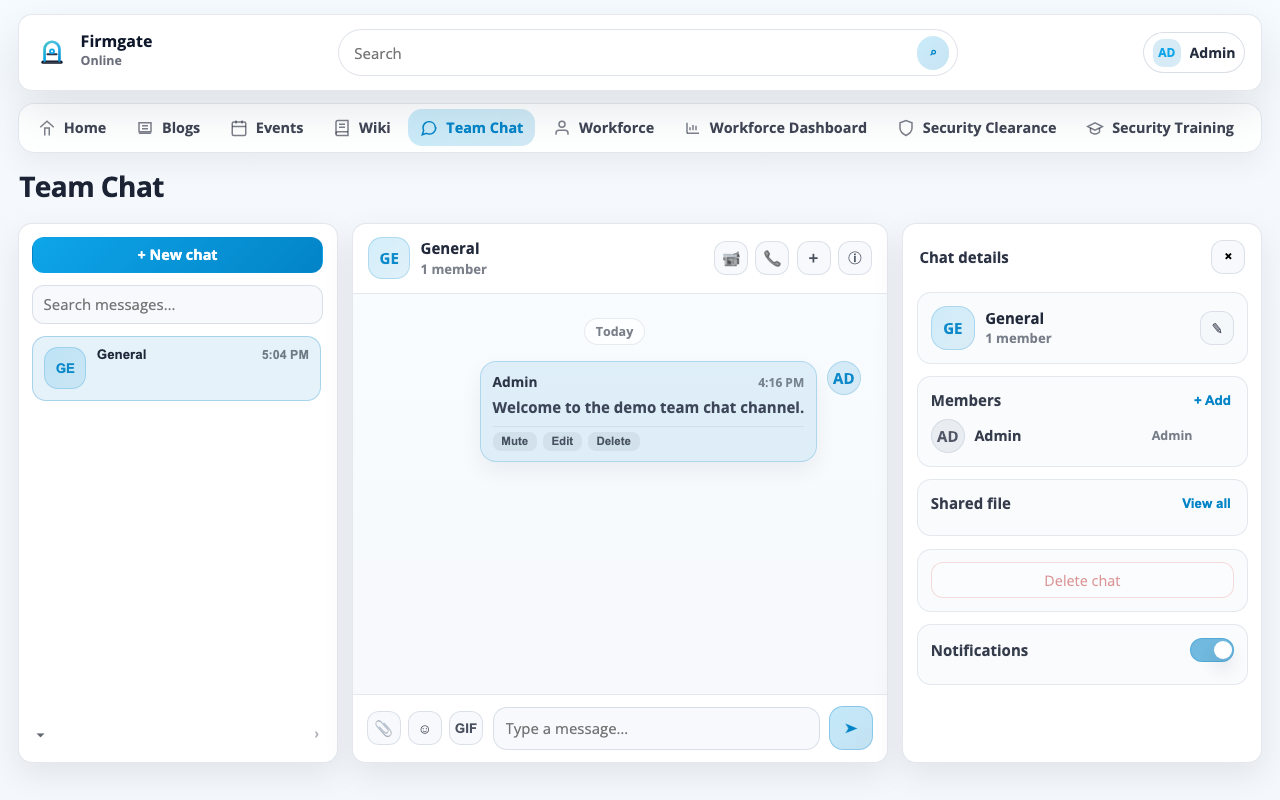
Local team chat — rooms, messaging, optional WebRTC voice
Employee directory, presence, and org details
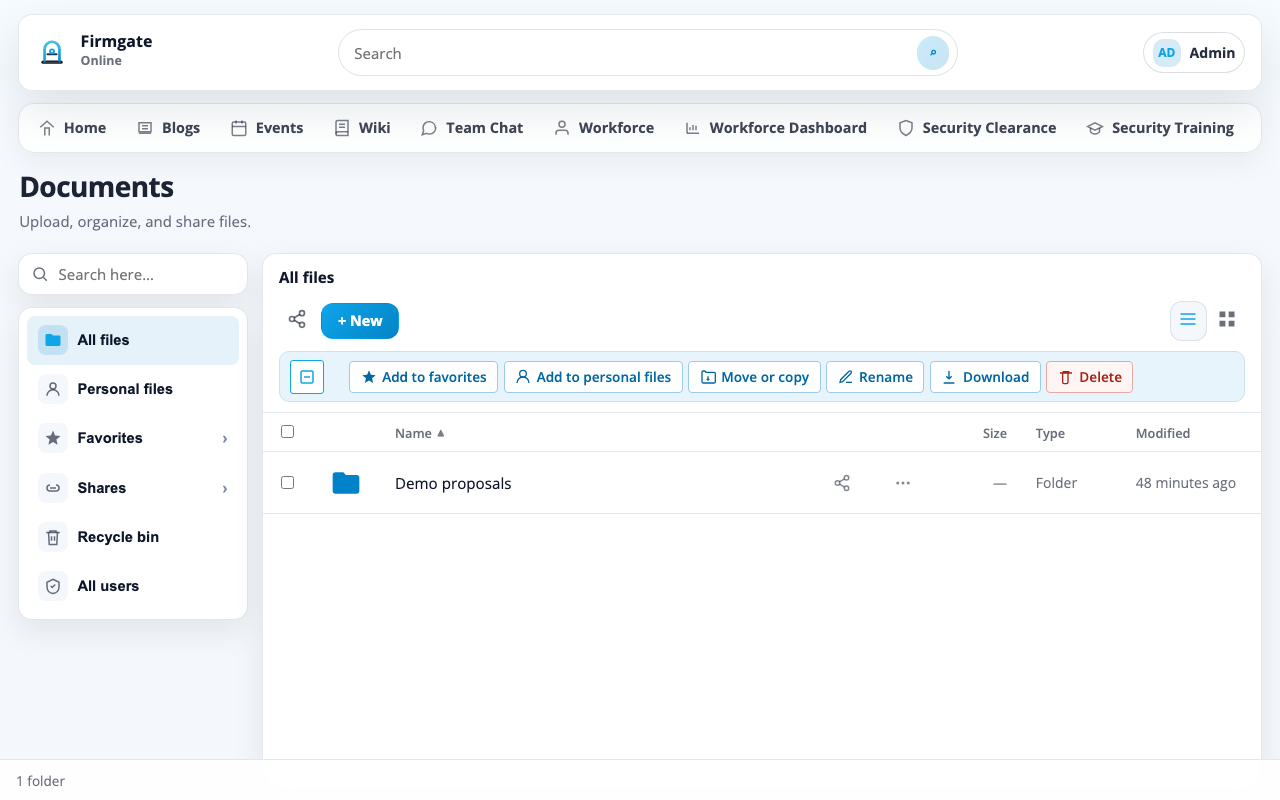
Open-source document repository — folders, sharing, Office editing, viewers
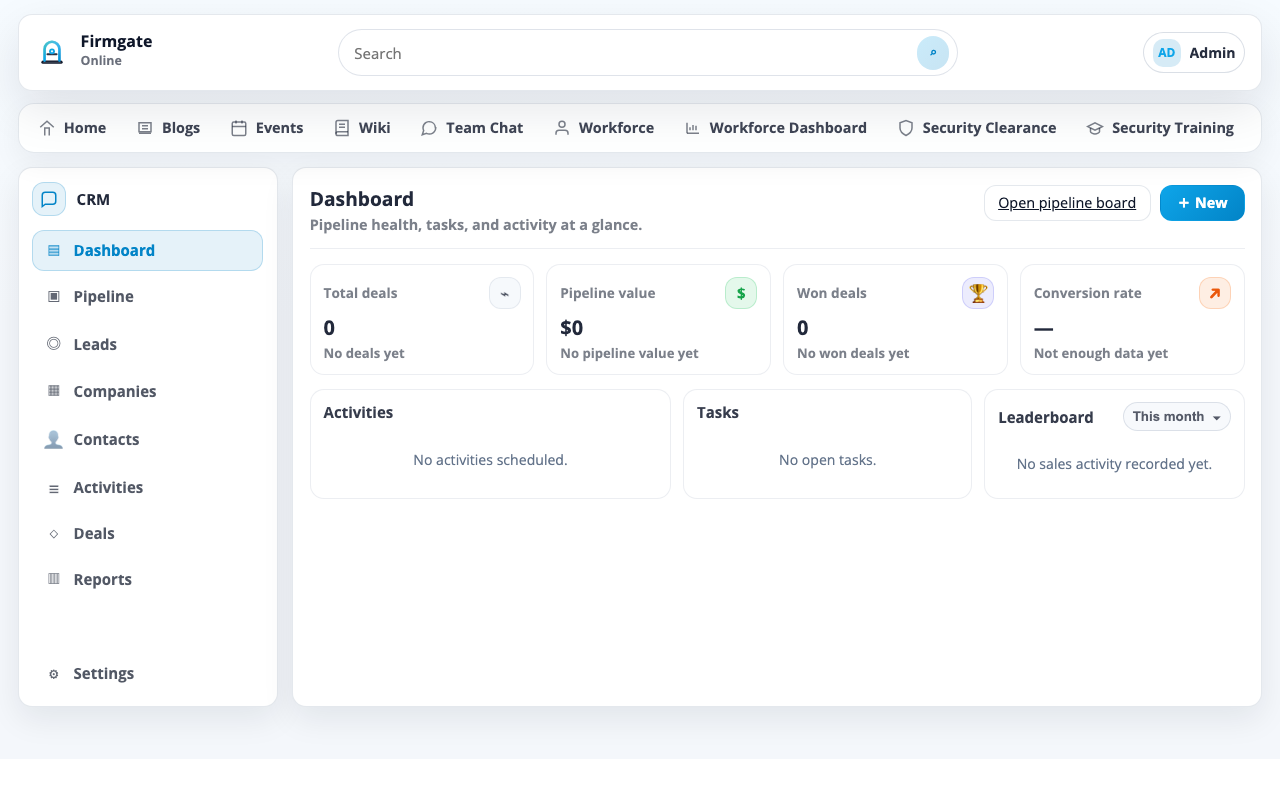
Self-hosted CRM — leads, pipeline, companies, activities
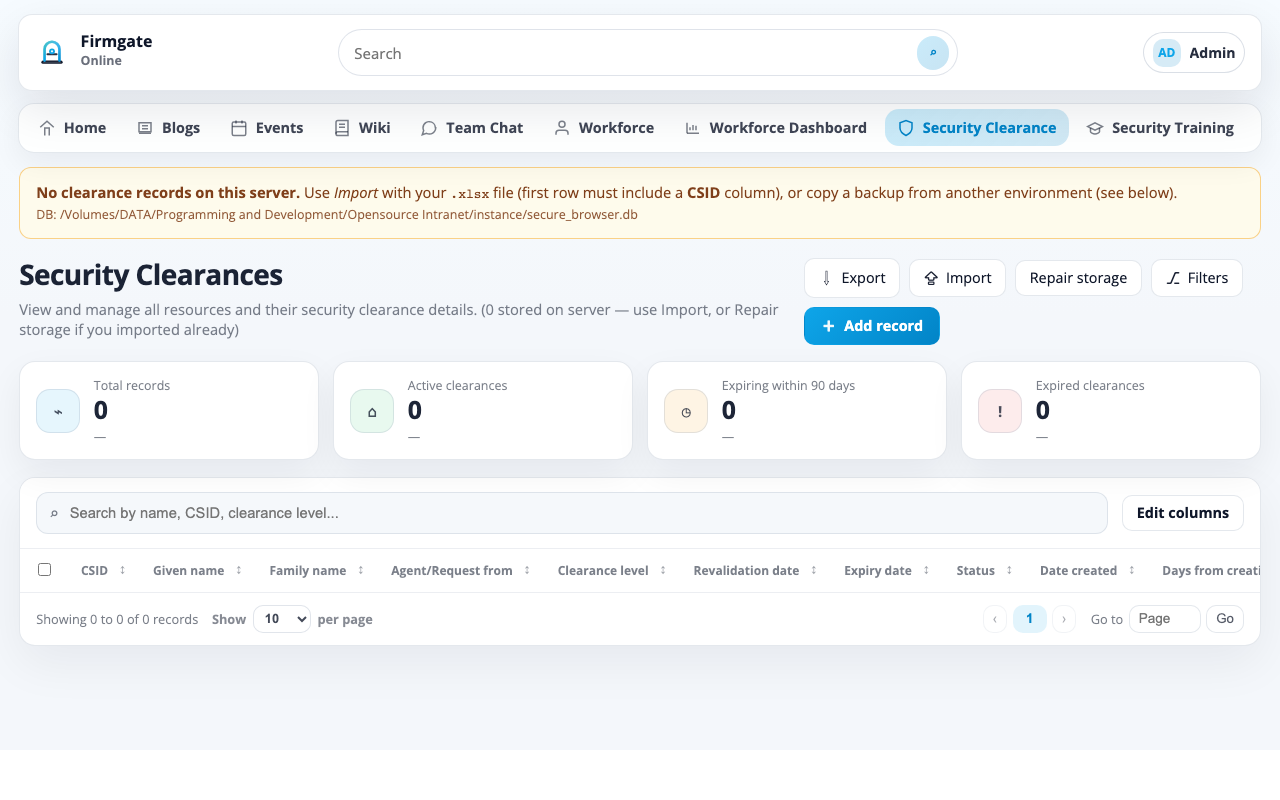
Security clearance tracking, training library, officer reports
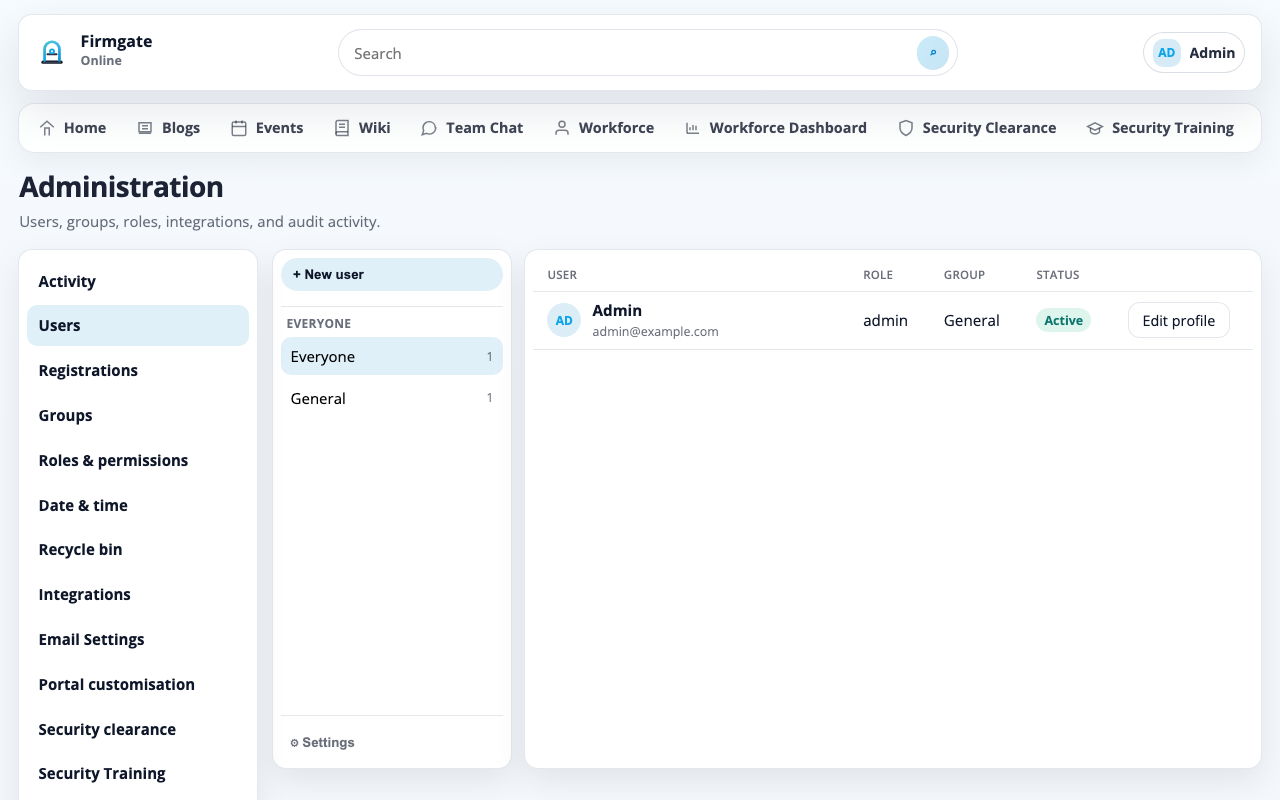
Users, roles, modules, backups, portal branding
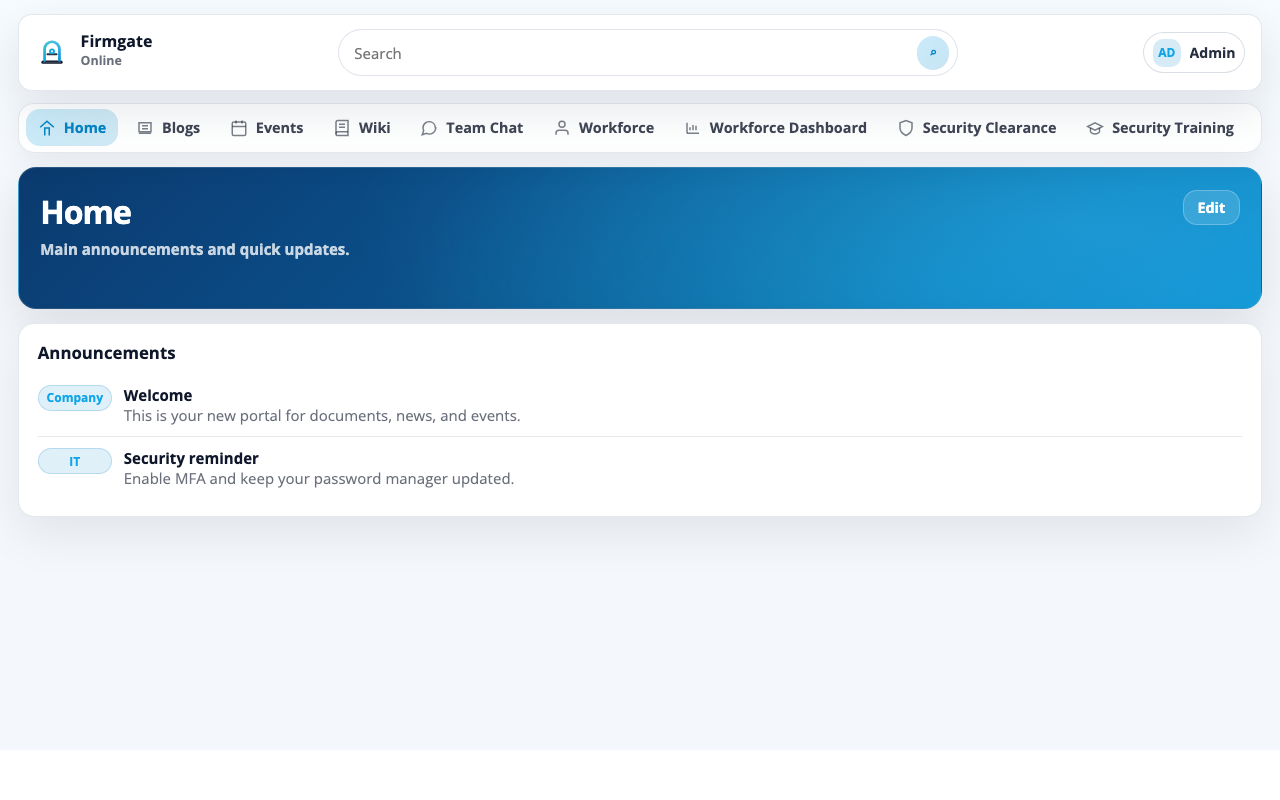
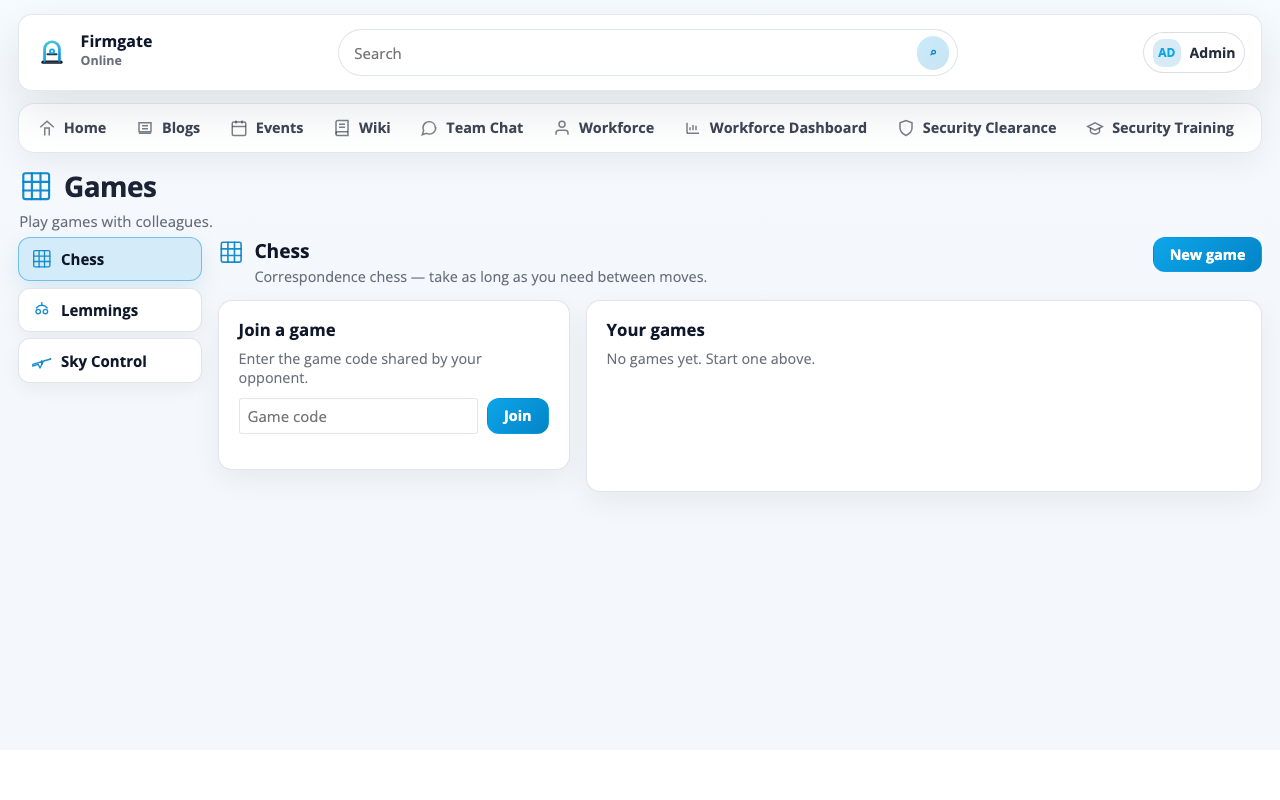
Visual tour of Firmgate — demo data may appear in some views.
Clone the repository, set a secret key, and run with Docker Compose — or use a release ZIP for air-gapped servers.
.env.example to .env and set SECRET_KEYdocker compose up -d --build
Default bootstrap (fresh install only): admin@example.com / admin —
deactivated automatically once another admin exists.
git clone https://github.com/snooth/firmgate.git
cd firmgate
cp .env.example .env
# Set SECRET_KEY (openssl rand -hex 32)
docker compose up -d --buildpython3 -m venv .venv
source .venv/bin/activate
pip install -r requirements.txt
python run.py
# http://127.0.0.1:5001/Common questions about self-hosting Firmgate as your internal intranet and operations hub.
Yes. Firmgate is an open-source, self-hosted intranet you run on your own servers or private cloud. It includes news, blogs, events, a local wiki, team chat, and administration — with no mandatory SaaS subscription.
Firmgate ships with a built-in CRM (leads, pipeline, companies, activities) and ERP-style workforce, documents, and compliance modules in one deployable stack — so local teams use one system instead of many cloud tools.
Yes. The Documents module provides folders, uploads, sharing, favourites, in-browser previews, and optional OnlyOffice or Microsoft 365 editing — with files stored on infrastructure you control.
Yes. The Wiki module is an internal knowledge base with sanitised HTML, ideal for runbooks, policies, and team documentation on your local network.
Yes. The Security module tracks clearance levels, expiry, import/export, training library content, and officer reports for regulated or security-conscious organisations.
Yes. Firmgate is air-gap friendly and designed for LAN-only, VPN, or regulated environments where data must not leave your network.
Community Edition is free to self-host under Apache 2.0. Optional enterprise support is described separately.